LinkedIn Prospecting for SDRs in 2026: Your Tactical Playbook
Part of the SDR Playbook guide: The Complete SDR Playbook for 2026: Your End-to-End GuideMaster LinkedIn prospecting with proven tactics for SDRs: profile optimization, Boolean search, engagement frameworks, and multi-threaded outreach that books meetings in 2026.

Key takeaways
- LinkedIn prospecting in 2026 requires a credible profile first: Your profile acts as your landing page; prospects check it before accepting connections or replying to messages—optimize your headline, summary, and recent activity to build trust instantly.
- Boolean search in Sales Navigator unlocks precise targeting: Use operators like AND, OR, NOT, and parentheses to filter by job title, seniority, company size, and technology stack, building lists of 200-500 highly-qualified prospects per campaign.
- Multi-threaded prospecting beats single-contact outreach: Engage multiple stakeholders within the same account through profile views, thoughtful comments on their posts, and personalized connection requests to accelerate deal velocity and reduce ghosting.
- The 3×3 engagement framework warms cold connections: View three profiles, engage with three posts, and send three personalized messages before pitching—this creates familiarity and reciprocity that doubles reply rates.
- LinkedIn is a channel in a sequence, not a standalone play: Layer LinkedIn touches into your outbound cadence alongside cold calls and emails to create multiple paths to conversation and reinforce your message across channels.
LinkedIn prospecting has evolved from spray-and-pray connection requests to a sophisticated, multi-threaded discipline that sits at the heart of modern SDR workflows. In 2026, buyers expect personalization, relevance, and value before they'll engage—and LinkedIn gives you the research depth and engagement tools to deliver all three at scale.
This guide walks you through the tactical playbook: how to optimize your presence, build laser-targeted lists, craft messages that get replies, orchestrate multi-threaded account engagement, and integrate LinkedIn into a cohesive outbound motion. Whether you're ramping as a new SDR or refining your approach to hit quota, these frameworks will help you turn LinkedIn from a time-sink into your highest-converting prospecting channel.
For a broader view of how LinkedIn fits into your overall prospecting motion, see The Complete SDR Playbook for 2026.
Why LinkedIn prospecting matters more in 2026
Buyers are harder to reach by phone and increasingly protective of their inboxes. According to Gartner's Future of Sales report, 83% of B2B buyers prefer to research and engage with vendors digitally before taking a call. LinkedIn is where that research happens—and where you can intercept it.
LinkedIn prospecting delivers three strategic advantages:
- Visibility into buyer intent: Job changes, company expansions, funding announcements, and content engagement signal buying windows before prospects enter the market.
- Warm introductions at scale: Mutual connections, shared groups, and alumni networks give you credible reasons to reach out beyond "I saw you're the VP of Sales."
- Multi-channel reinforcement: A LinkedIn touch the same day as a cold email or voicemail creates pattern recognition and lifts overall response rates by 30-40%.
But LinkedIn prospecting only works if you treat it as a discipline, not a distraction. That means defined workflows, measurable activity targets, and integration with the rest of your outbound sequence—covered in detail when you're building high-converting outbound sales sequences.
Optimize your LinkedIn profile for credibility
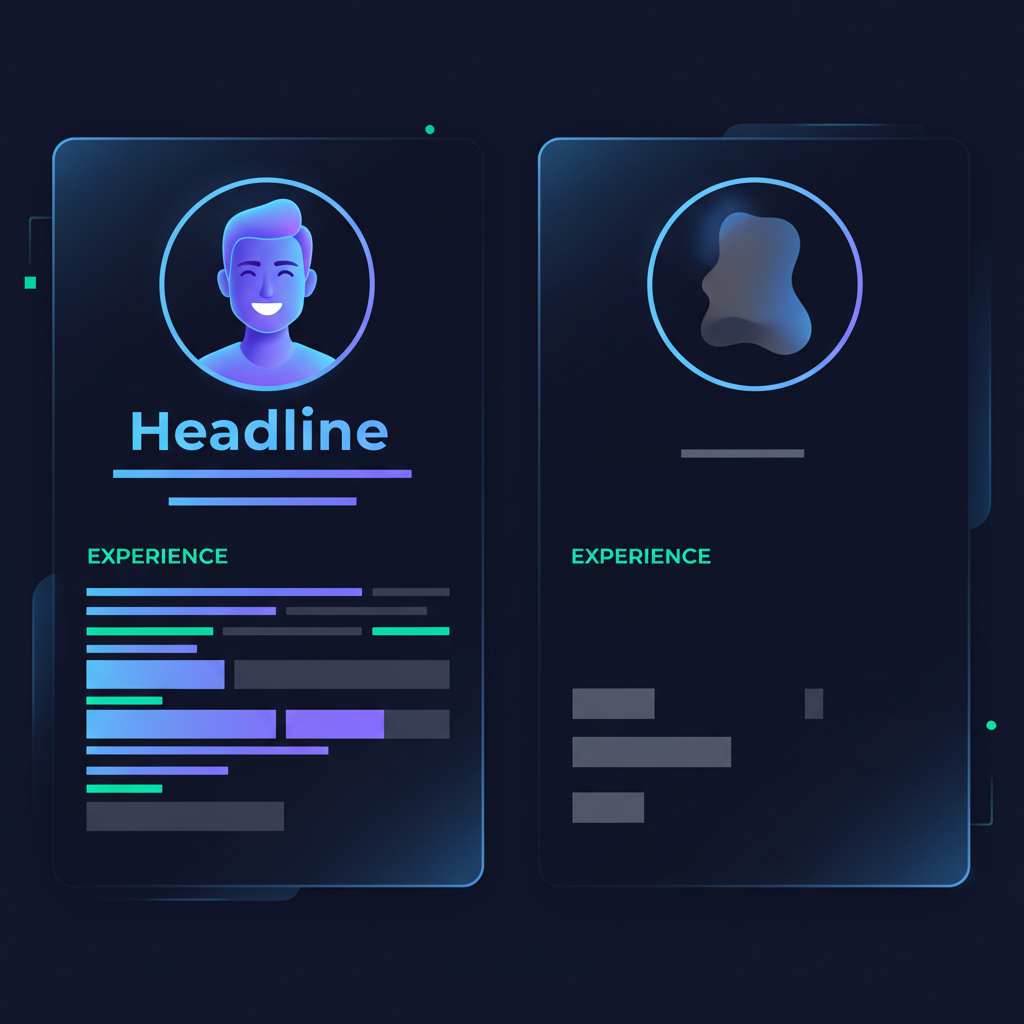
Before you send a single connection request, audit your profile. Prospects will click through to evaluate whether you're worth their time. A half-finished profile with a blurry photo and a generic headline kills trust instantly.
Headline: Lead with value, not title
Your headline appears in search results, connection requests, and message previews. Don't waste it on "SDR at [Company]." Instead, lead with the outcome you deliver:
- ❌ "Sales Development Representative at Acme Corp"
- ✅ "Helping B2B SaaS teams cut sales cycle time with conversation intelligence | SDR @ Acme"
Include your target buyer persona or the problem you solve. This makes it clear why someone should connect.
Profile photo and banner
Use a high-resolution headshot with a clean background. Smile. Dress as you would for a customer call. Your banner should reinforce your value proposition or showcase your company's brand—not be blank.
Summary: Speak to your buyer, not about yourself
Write your summary in second person. Open with a question or pain point your prospects face, then explain how you help solve it. Keep it under 200 words. End with a clear call-to-action: "Let's talk if you're exploring [use case]."
Showcase recent activity
Post or share content at least once per week. Comment thoughtfully on posts from prospects, customers, and industry leaders. This signals you're active, informed, and engaged—not a ghost account that only logs in to spam connection requests.
A strong profile converts 2-3× more connection requests and makes every subsequent touch more credible.
Build targeted prospect lists with Boolean search
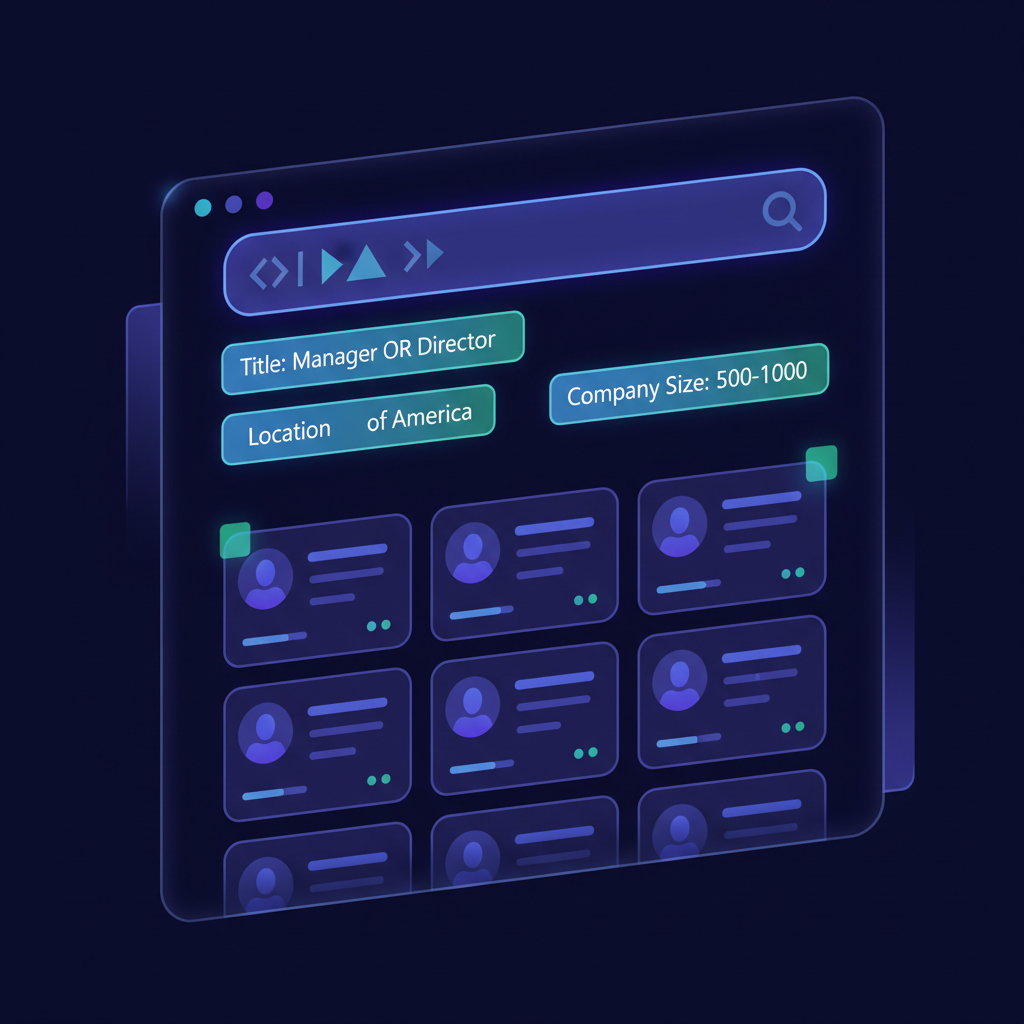
Generic prospecting wastes time. LinkedIn's advanced search—especially in LinkedIn Sales Navigator—lets you build hyper-targeted lists of 200-500 prospects who match your ideal customer profile (ICP).
Use Boolean operators to refine searches
Boolean search combines keywords with operators (AND, OR, NOT, parentheses) to filter results precisely. Here's how to apply them:
Job title targeting:
(Director OR "Vice President" OR VP) AND (Sales OR Revenue) NOT Intern
This returns Directors and VPs in Sales or Revenue, excluding interns.
Technology stack filtering:
(Salesforce OR HubSpot) AND (Marketing OR Demand Gen)
Finds marketers who use Salesforce or HubSpot—useful if your product integrates with those platforms.
Company size and growth signals:
"Series B" OR "Series C" OR "recently funded"
Targets companies with fresh capital, often a buying signal.
LinkedIn's Boolean search documentation is available here for full syntax reference.
Layer in Sales Navigator filters
Sales Navigator adds filters standard LinkedIn search lacks:
- Seniority level: Filter by C-suite, VP, Director, Manager, or Individual Contributor.
- Years in current position: Target people new in role (0-1 year) who are more likely to evaluate new vendors.
- Company headcount growth: Identify companies hiring rapidly, signaling expansion and budget.
- Technology used: Filter by CRM, marketing automation, or other tools in their tech stack.
- Posted on LinkedIn in the past 30 days: Prioritize active users who are more likely to see and respond to outreach.
Combine Boolean strings with these filters to build a list of 200-500 prospects per campaign. Save the list in Sales Navigator and set alerts for job changes, company news, and post activity.
Segment by persona and account tier
Don't lump all prospects into one list. Segment by:
- Persona: SDR Manager vs. VP Sales vs. CRO (each needs different messaging).
- Account tier: Enterprise, mid-market, SMB (different buying processes and urgency).
- Engagement level: Warm (already engaged with your content) vs. cold (no prior interaction).
This segmentation lets you tailor your messaging and prioritize high-value accounts for multi-threaded outreach (covered next).
The 3×3 engagement framework: Warm up before you pitch
Cold connection requests with a pitch get ignored or rejected. The 3×3 framework builds familiarity before you ask for anything.
Step 1: View three profiles
Visit the profiles of three people at your target account. LinkedIn notifies them (if they have a paid account), planting your name in their awareness. Do this over 2-3 days, not all at once.
Step 2: Engage with three posts
Find recent posts from your target prospects (or their colleagues) and leave thoughtful comments. Don't just say "Great post!"—add a perspective, ask a follow-up question, or share a related experience. This positions you as a peer, not a vendor.
Step 3: Send three personalized messages
After you've warmed the account, send connection requests or InMails to three stakeholders. Reference something specific: a post they shared, a recent company announcement, a mutual connection, or a shared interest.
Example connection request:
"Hi [Name], I saw your post on the challenges of ramping SDRs faster—resonated with what I'm hearing from other sales leaders in [industry]. Would love to connect and swap notes if you're open to it."
Keep it under 300 characters (LinkedIn's limit for connection notes). No pitch. Just a reason to connect.
This framework works because it leverages reciprocity: you've given attention and value before asking for anything in return. It doubles connection acceptance rates and triples reply rates compared to cold outreach.
Craft LinkedIn messages that get replies
Once connected, your first message sets the tone. Most SDRs blow it by pitching immediately. Instead, focus on starting a conversation.
Message structure: PAS (Problem-Agitate-Solution) lite
- Personalized observation (1 sentence): Reference their profile, a post, or recent news.
- Low-friction question (1 sentence): Ask about their world, not yours.
- Soft CTA (optional): Suggest a quick call if they're interested, but don't force it.
Example:
"Hi [Name], I noticed you recently joined [Company] as VP Sales—congrats! Curious: what's top of mind as you build out the team this quarter? Happy to share what's working for other leaders in [industry] if it's useful."
Why it works:
- Opens with genuine interest, not a pitch.
- The question invites a reply without requiring commitment.
- Offers value ("share what's working") rather than asking for time.
Avoid these message killers
- Immediate pitch: "We help companies like yours…" → instant delete.
- Vague value prop: "We drive revenue" → meaningless.
- Wall of text: Over 100 words → too much cognitive load.
- Multiple questions: Asking 3+ questions → feels like an interrogation.
If they reply, still don't pitch. Ask a follow-up question to deepen the conversation. Only after 2-3 exchanges should you suggest a call—and frame it as "exploring whether this is worth 15 minutes," not "let me show you a demo."
For more on handling common brush-offs like "just send me an email," see our guide on handling the 'send me an email' objection.
Multi-threaded prospecting: Engage the buying committee
Single-threaded deals stall. In 2026, the average B2B purchase involves 6-10 stakeholders. LinkedIn lets you map and engage the entire buying committee in parallel.
Identify the buying committee
Use Sales Navigator's "Teammates" feature or manually search for:
- Economic Buyer: CFO, VP Finance (controls budget).
- Technical Buyer: CTO, VP Engineering (evaluates technical fit).
- Champion: Director or Manager (daily user, advocates internally).
- End Users: Individual contributors (feel the pain, influence the champion).
Don't just target the most senior person. Often, a Director-level champion who loves your solution will pull in their VP—but a cold message to the VP without internal support goes nowhere.
Orchestrate touches across stakeholders
Engage 2-4 people at the same account over a 10-14 day window:
- Day 1: View profiles of VP Sales and Sales Enablement Director.
- Day 3: Comment on a post from the Director.
- Day 5: Send connection request to Director with personalized note.
- Day 7: View VP's profile again; send InMail referencing Director's recent post.
- Day 10: If Director accepts, send a message asking about their enablement priorities.
- Day 12: Follow up with VP, mentioning you're already chatting with their team.
This creates internal buzz. When the VP sees your name twice (from you and from their Director), you're no longer a random vendor—you're someone worth paying attention to.
Use "TeamLink" for warm introductions
Sales Navigator's TeamLink shows mutual connections between your company and the prospect's. If a colleague knows someone at the target account, ask for an introduction. Warm intros convert 5-10× better than cold outreach.
How to ask for an intro:
"Hey [Colleague], I see you're connected to [Prospect] at [Company]. I'm reaching out to their sales team about [use case]. Any chance you'd be comfortable making an intro, or sharing context on how you know them?"
Respect the relationship—don't ask for intros to weak connections or people your colleague hasn't spoken to in years.
Integrate LinkedIn into your outbound cadence
LinkedIn prospecting isn't a standalone channel. It's most effective when layered into a multi-touch sequence alongside cold calls and emails.
Sample 14-day cadence (8 touches)
| Day | Channel | Action |
|---|---|---|
| 1 | View profile | |
| 2 | Cold email (see our cold email framework) | |
| 3 | Phone | Cold call attempt #1 |
| 4 | Engage with recent post (comment) | |
| 6 | Follow-up email referencing first email | |
| 7 | Send connection request (personalized note) | |
| 9 | Phone | Cold call attempt #2 (reference LinkedIn connection) |
| 12 | If connected, send message (no pitch, just question) |
This creates multiple paths to engagement. Even if they don't answer the phone, they see your name on LinkedIn. Even if they ignore your email, your comment on their post builds familiarity.
Track and measure LinkedIn activity
Set daily and weekly activity targets:
- 20-30 connection requests/day (personalized, not generic).
- 10-15 profile views/day (warm-up touches before requests).
- 5-10 post engagements/day (comments that add value).
- 5-10 messages/day (to accepted connections).
Track acceptance rate (target: 30-40%), reply rate (target: 15-25%), and meetings booked per 100 connections. If your acceptance rate is below 30%, your requests aren't personalized enough. If your reply rate is low, your messages are too salesy.
Use your CRM or a spreadsheet to log LinkedIn touches alongside calls and emails. This unified view shows which sequences and combinations drive the most meetings—essential for building high-converting outbound sales sequences.
Advanced LinkedIn prospecting tactics
Once you've mastered the fundamentals, layer in these advanced plays.
Leverage Sales Navigator alerts
Sales Navigator sends real-time alerts when prospects:
- Change jobs: Reach out within 48 hours; they're evaluating new vendors.
- Post on LinkedIn: Engage immediately while the post is fresh.
- Are mentioned in the news: Company funding, acquisition, expansion—all buying signals.
Set up alerts for your saved leads and accounts. Respond to these triggers within 24 hours for maximum relevance.
Use InMail strategically
You get 20-50 InMail credits/month with Sales Navigator (depending on your plan). Use them for:
- High-value targets who haven't accepted your connection request.
- Breakup messages after a sequence ends with no reply.
- Reactivating cold leads who went dark 6+ months ago.
InMail subject lines matter. Keep them under 50 characters and curiosity-driven:
- ❌ "Quick question about [Company]"
- ✅ "Your take on [specific challenge]?"
InMail reply rates average 10-25% if personalized, vs. 1-3% for generic blasts.
Content-driven prospecting
Post valuable content (frameworks, insights, case studies) and tag relevant prospects or engage with their comments. This positions you as a thought leader, not a sales rep.
Example: Share a post about "3 ways sales leaders are cutting ramp time in 2026," then message prospects who liked or commented:
"Saw you engaged with my post on ramp time—curious if that's a priority for your team this year?"
This is warm outreach disguised as a conversation. It works because they've already shown interest.
Video messages
LinkedIn allows 1-minute video messages (requires Sales Navigator). Use them sparingly for high-value accounts:
- Personalized intro: "Hey [Name], I saw you're hiring SDRs—here's one tactic we're seeing work for teams like yours…"
- Follow-up after no reply: "Quick video to add context to my last message…"
Video humanizes you and stands out in a sea of text. Reply rates can hit 30-40% if the video is genuinely helpful (not a pitch).
Common LinkedIn prospecting mistakes to avoid
Even experienced SDRs fall into these traps:
Mistake 1: Pitching in the connection request
LinkedIn limits connection notes to 300 characters. Don't waste them on a pitch. Use the space to explain why you want to connect, not what you sell.
Mistake 2: Sending the same message to everyone
Prospects can tell when you've copy-pasted. Reference something specific to their profile, company, or recent activity in every message.
Mistake 3: Giving up after one message
Most LinkedIn conversations take 2-4 messages to convert to a meeting. If they reply but don't commit, ask a follow-up question. Don't assume silence means no interest—they might be busy. Follow up 5-7 days later.
Mistake 4: Ignoring LinkedIn's usage limits
LinkedIn restricts connection requests to prevent spam. If you send too many too fast, you'll get flagged. Stick to 20-30/day, and never use automation tools that violate LinkedIn's Terms of Service (they can ban your account).
Mistake 5: Forgetting to prep for the call
If your LinkedIn outreach books a meeting, treat it like any other discovery call. Research the account, prepare questions, and review their LinkedIn activity for recent context. Use a sales call preparation checklist to ensure you're ready.
Measuring LinkedIn prospecting success
Track these metrics weekly:
- Connection requests sent (target: 100-150/week).
- Connection acceptance rate (target: 30-40%).
- Messages sent to connections (target: 50-75/week).
- Reply rate (target: 15-25%).
- Meetings booked (target: 2-4/week from LinkedIn alone).
If your acceptance rate is low, your targeting or personalization needs work. If your reply rate is low, your messaging is too salesy or too vague. If you're getting replies but no meetings, you're not asking for the call clearly enough—or you're asking too soon.
Compare LinkedIn-sourced meetings to those from cold calls and emails. In most high-performing SDR teams, LinkedIn accounts for 20-30% of total meetings booked—not the majority, but a significant and high-quality channel.
Tools and integrations to scale LinkedIn prospecting
Manual prospecting works, but tools help you move faster without sacrificing personalization.
Sales Navigator + CRM sync
Integrate Sales Navigator with your CRM (Salesforce, HubSpot, etc.) to:
- Log LinkedIn touches automatically.
- Surface Sales Navigator data (job changes, alerts) inside CRM records.
- Track which LinkedIn touches correlate with closed deals.
This unified view helps you refine your sequences and prove ROI to leadership.
Outreach and Salesloft integrations
Most sales engagement platforms integrate with LinkedIn, letting you add LinkedIn steps (profile view, connection request, message) directly into your cadences. This ensures LinkedIn touches happen on schedule and get logged alongside emails and calls.
AI-powered personalization
Tools like AI conversation intelligence can analyze past LinkedIn messages and suggest personalization angles based on prospect data. Use these to speed up message writing, but always review and edit—AI-generated messages still need a human touch to feel authentic.
FAQ
What is LinkedIn prospecting for SDRs?
LinkedIn prospecting is the process of using LinkedIn and Sales Navigator to identify, research, and engage target buyers through profile views, connection requests, InMail, and content engagement—ultimately to book discovery calls or demos.
How many LinkedIn connection requests should an SDR send per day?
Send 20-30 personalized connection requests per day to stay within LinkedIn's safety limits. Avoid generic messages; reference a shared interest, recent post, or mutual connection to improve acceptance rates.
What's the difference between LinkedIn and Sales Navigator for prospecting?
Sales Navigator offers advanced Boolean search, lead and account lists, InMail credits, real-time alerts on job changes and company news, and CRM integration—making it essential for high-volume, targeted SDR prospecting.
How do you write a LinkedIn message that gets replies?
Keep it under 100 words, lead with a specific observation about their profile or recent activity, ask one low-friction question, and avoid pitching your product in the first message. Focus on starting a conversation, not closing a meeting.
LinkedIn prospecting in 2026 isn't about volume—it's about precision, personalization, and persistence. Master the fundamentals in this guide, integrate LinkedIn into your broader outbound motion, and treat every connection as the start of a relationship, not a transaction. Done right, LinkedIn becomes your highest-converting prospecting channel and a competitive advantage that's hard to replicate.
Sources

Stefano Sechi
Co-founder, QUOTA Training
Stefano Sechi is co-founder of QUOTA Training. He works hands-on with B2B sales teams on cold calling, discovery and objection handling, and shaped much of the methodology behind QUOTA’s AI role-play scenarios.
Turn this into reps, not just reading
QUOTA Training lets your team practise these exact scenarios with an AI buyer that reacts like the real thing — then scores every call.
See it in action