Sales Coaching Documentation: Build a System That Scales
Part of the Sales Coaching guide: The Complete Sales Coaching Guide: Build a Program That DeliversSales coaching documentation turns one-off feedback into repeatable playbooks. Learn how to capture, organize, and scale coaching insights across your team.
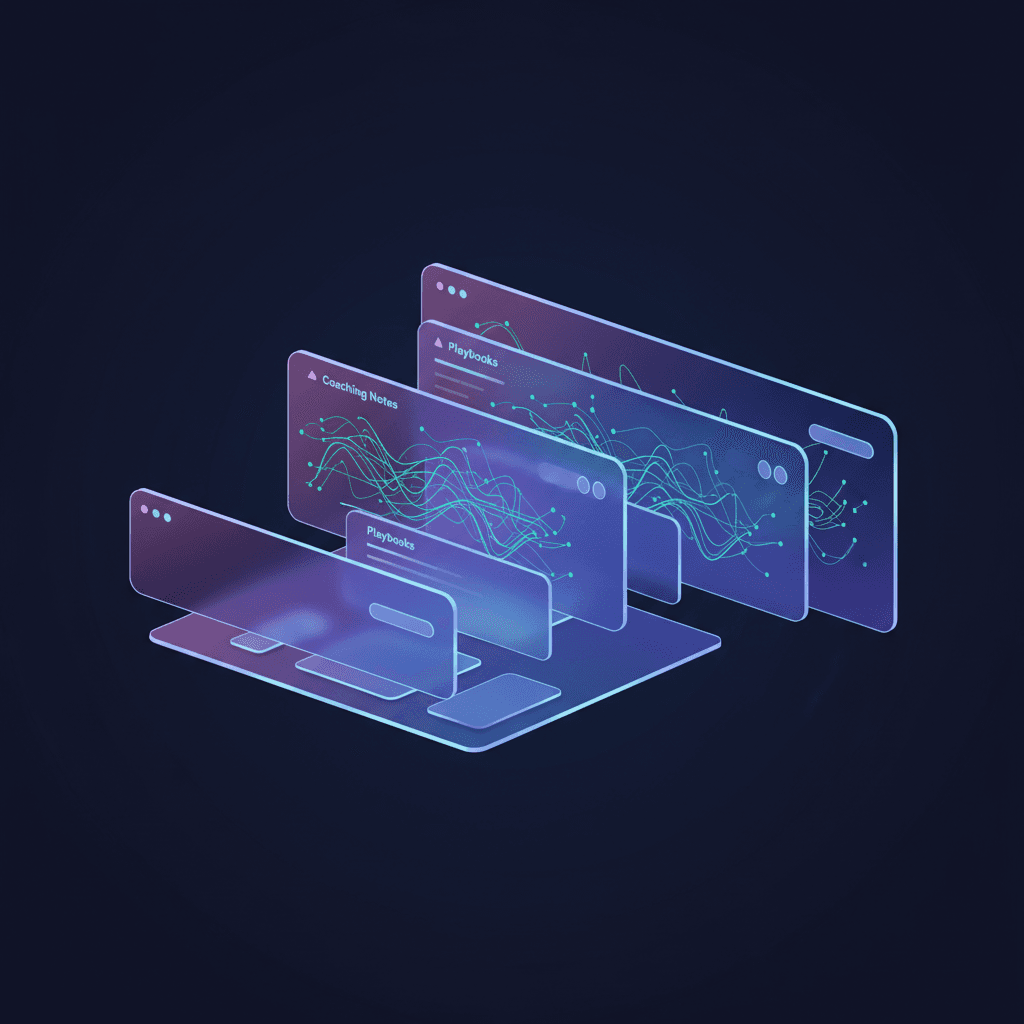
Key takeaways
- Sales coaching documentation transforms isolated feedback into a scalable knowledge system that reduces ramp time and makes every coaching insight reusable across your entire team.
- The three-layer framework—session notes, pattern documentation, and team playbooks—ensures you capture both individual development and team-wide best practices without creating documentation bloat.
- Real-time capture during coaching sessions yields 3x more actionable insights than post-session summaries, because you document the exact language, tonality, and context that made a teaching moment effective.
- Documentation without a retrieval system is worthless: tag every entry by skill area, rep stage, and deal scenario so coaches can surface relevant insights in under 30 seconds.
- AI-powered documentation tools can automatically extract coaching themes from role-play sessions and call reviews, turning what used to take 20 minutes per session into a zero-effort background process.
Most sales managers coach in the moment, deliver great feedback, watch the rep improve—and then repeat the exact same coaching conversation with the next rep three weeks later.
That's not a coaching problem. It's a sales coaching documentation problem.
Without a system to capture, organize, and reuse coaching insights, every breakthrough stays locked in a single conversation. Your best objection-handling technique lives in one rep's memory. Your discovery question sequence that consistently uncovers budget gets re-taught from scratch each time. And when that top performer leaves, their entire playbook walks out the door.
Sales coaching documentation isn't about bureaucracy or paperwork. It's about building a system that turns one-off feedback into repeatable, scalable knowledge that compounds across your team.
Here's how to build documentation that actually gets used—and drives performance.
Why most coaching documentation fails
Walk into any sales org and you'll find one of two extremes:
Zero documentation. Managers coach verbally, reps take scattered notes in random notebooks or Google Docs, and nobody can find anything later. Every new hire starts from zero. Every coaching insight evaporates the moment the Zoom call ends.
Documentation theater. Managers dutifully log every coaching session in Salesforce, fill out elaborate forms, write verbose summaries—and nobody ever reads them. The documentation exists to satisfy a process requirement, not to actually help reps improve.
Both approaches fail for the same reason: they don't answer the question "What do I do differently tomorrow?"
Effective sales coaching documentation has one job: make it trivially easy for any coach or rep to find the exact guidance they need, when they need it, without wading through noise.
That requires a structure that balances capture effort with retrieval value. According to Gartner's research on sales enablement, organizations with documented coaching systems see 15% higher quota attainment and 25% faster ramp times—but only when the documentation is actively maintained and genuinely useful.
The framework below is what we've seen work at QUOTA Training, where we analyze thousands of AI role-play coaching sessions and help managers turn those insights into team-wide playbooks.
The three-layer documentation framework

Think of sales coaching documentation as three distinct layers, each serving a different purpose:
Layer 1: Session notes (individual development)
This is your real-time capture during or immediately after a coaching conversation. The goal is speed and specificity, not polish.
What to document:
- Date, rep name, and focus area (e.g., "Discovery call tonality")
- Specific behavior observed (exact phrases, tonality issues, structural mistakes)
- Coaching delivered (what you taught, why it matters)
- Action items (2-3 concrete next steps with deadlines)
- Follow-up date (when you'll check progress)
Example session note:
Date: 2025-01-15
Rep: Sarah M.
Focus: Discovery call—rushing through qualification
Observed: Asked budget question 4 min into call, before establishing pain. Prospect deflected. Sarah moved on instead of circling back.
Coached: Showed her the discovery call qualification sequence—pain before budget. Practiced reframing: "Before we talk numbers, help me understand what happens if you don't solve this."
Action: Run 3 role-plays this week using pain-first sequencing. Record next live discovery call.
Follow-up: 2025-01-22
This layer lives in whatever tool you're already using—Notion, Google Docs, your CRM, or QUOTA's AI role-play platform. The key is that it takes under 3 minutes to create and contains enough detail that you (or another coach) can pick up the thread weeks later.
Layer 2: Pattern documentation (team insights)
Once you've coached the same skill or mistake three times, it's a pattern—and patterns belong in your team documentation.
This layer answers: "What are we learning across multiple reps?"
What to document:
- Common mistake or skill gap (be specific: "Reps ask for budget too early in discovery")
- Why it matters (impact on deal outcomes)
- How to fix it (the technique, framework, or script that works)
- Training resources (which role-plays, call reviews, or articles to use)
- Success metrics (how you'll know it's working)
Example pattern entry:
Pattern: Reps struggle to re-engage stalled deals
Impact: 40% of Q4 pipeline stuck in "thinking it over" status
Root cause: Reps accept "call me next quarter" at face value instead of diagnosing the real objection
Fix: Teach the stall breakdown framework—ask "What specifically needs to happen between now and next quarter?" Then address the real blocker (budget, internal politics, competing priority).
Resources: Objection handling timing article, role-play scenario #47
Measurement: Track % of stalled deals that re-engage within 2 weeks
This layer typically lives in a shared wiki, Notion workspace, or your LMS. Update it weekly as you spot recurring themes in your sales coaching observation sessions.
Layer 3: Team playbooks (codified best practices)
When a technique consistently works across multiple reps and deal types, it graduates to your official playbook.
This layer answers: "What's our standard approach?"
What to document:
- Skill or scenario (e.g., "Handling price objections in enterprise deals")
- Step-by-step framework (the exact sequence that wins)
- Word-for-word scripts (what to say, not just what to do)
- When to use it (deal stage, buyer type, objection timing)
- Examples from real deals (anonymized, with outcomes)
This is your onboarding curriculum, your evergreen training content, and your reference library. It's the documentation that scales your coaching from one-to-one to one-to-many.
For a deeper dive into how these playbooks fit into your broader coaching strategy, see our complete sales coaching guide.
How to capture coaching insights in real time
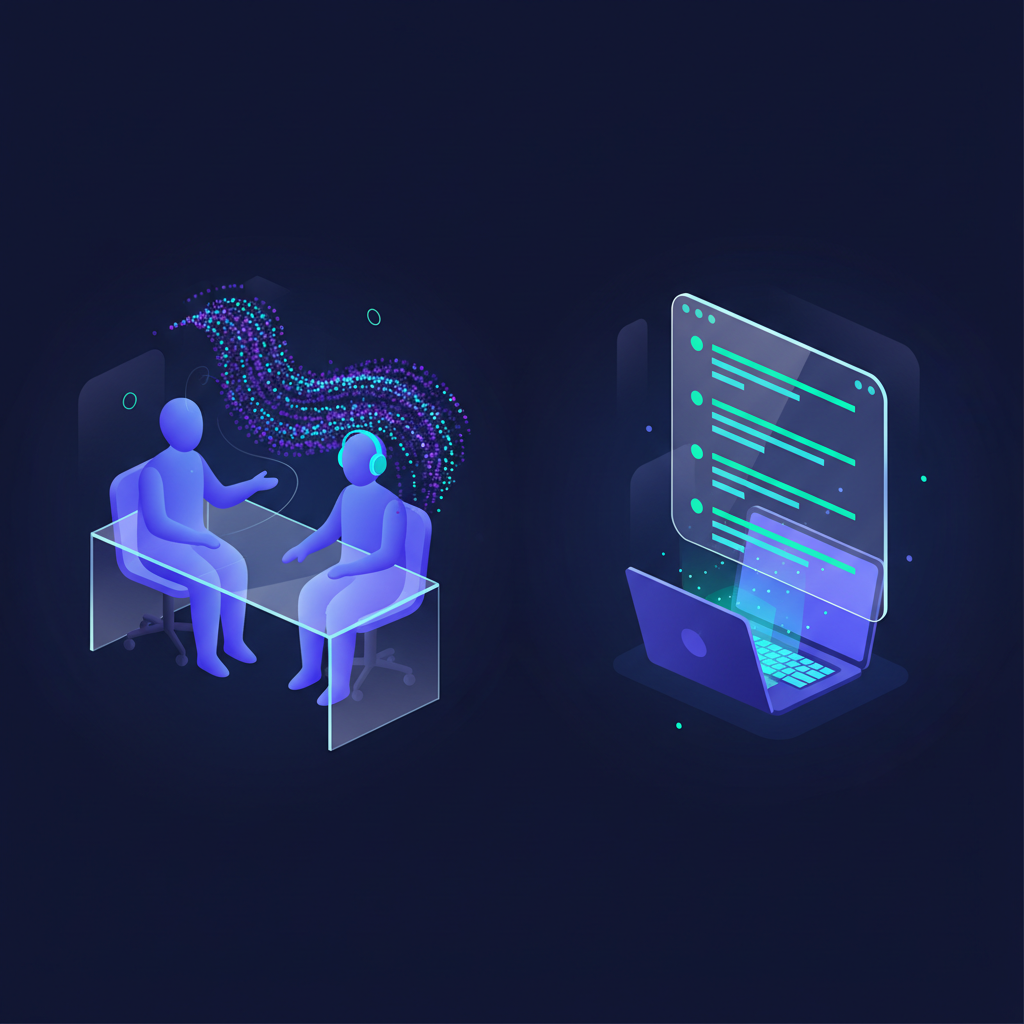
The biggest documentation mistake is waiting until after the coaching session to write things down. By then, you've forgotten the exact phrasing that clicked, the specific tonality issue, the precise moment the rep's energy shifted.
Here's the in-session capture method that works:
During live call reviews or role-plays:
- Open a simple note template (Google Doc, Notion page, or QUOTA's coaching interface) at the start of the session.
- Time-stamp key moments as they happen: "3:15 – great reframe of price objection" or "8:40 – lost control of discovery, started pitching."
- Capture exact language when something works or fails. Write the actual words: "Prospect said 'we're all set,' Sarah responded 'I appreciate that—can I ask what you're currently doing for [X]?' and got 3 more minutes."
- Note your coaching in real time. When you pause to teach, write a one-line summary of what you said. This becomes your action item.
Immediately after the session (2-minute wrap-up):
- Add 2-3 action items in priority order.
- Set a follow-up date in your calendar and link it to this note.
- Tag the entry by skill area (discovery, objection handling, tonality) and rep development stage (onboarding, ramping, tenured).
This real-time approach takes less total time than trying to reconstruct the session later, and it captures 3x more useful detail.
At QUOTA Training, we've automated this entirely: our AI role-play sessions generate coaching documentation automatically, extracting the exact moments where reps struggled or excelled and suggesting which insights should be added to your team playbook. Learn more about AI sales training personalization and how it removes the documentation burden.
What to document (and what to skip)
Not everything deserves documentation. Here's how to filter:
Always document:
- Breakthrough moments – When a rep finally "gets" a concept they've struggled with, capture what unlocked it.
- Repeatable techniques – Any script, framework, or approach that works consistently across multiple reps or deals.
- Common mistakes – If you're coaching the same error for the third time, document the pattern and the fix.
- Deal-winning insights – Anything that directly contributed to closing a deal (a discovery question that uncovered hidden pain, an objection response that saved a stalled opportunity).
- Coaching experiments – When you try a new teaching method or framework, document it so you can evaluate whether it works.
Skip:
- Generic feedback – "Be more confident" or "listen better" is too vague to be useful later.
- One-off situational advice – If it only applies to one rep's unique deal, it doesn't need to live in your system.
- Redundant detail – Don't re-document something that's already in your playbook; just link to it.
The test: "Could another coach or the rep themselves use this documentation to improve without me explaining it?" If no, it's not specific enough.
How to organize coaching documentation for retrieval
Documentation that can't be found might as well not exist. Your system needs to answer these questions in under 30 seconds:
- "What did we coach Sarah on last month?" (rep-level view)
- "What's our standard approach to price objections?" (skill-level view)
- "What are the top 3 coaching themes across the team this quarter?" (team-level view)
Tagging structure that works:
Every coaching entry should have at least three tags:
- Skill area – Discovery, objection handling, cold calling, closing, etc.
- Rep stage – Onboarding (0-30 days), ramping (30-90 days), tenured (90+ days)
- Deal scenario – Inbound vs. outbound, SMB vs. enterprise, product A vs. product B
Optional but powerful:
- Outcome – Win, loss, stalled (helps you correlate coaching with results)
- Coaching type – Live call review, role-play, 1:1 feedback, group training
This structure lets you slice your documentation any way you need:
- Onboarding a new rep? Pull everything tagged "onboarding" + "discovery."
- Seeing a spike in price objections? Filter by "objection handling" + "price" to see what's worked.
- Preparing for your 1:1 meeting structure? Pull up that rep's last 5 coaching sessions.
Tool recommendations:
- Lightweight: Notion or Coda with a tagging system and linked databases
- CRM-native: Salesforce or HubSpot custom objects (if your team already lives there)
- Purpose-built: QUOTA Training's coaching documentation is automatically generated and tagged from AI role-play sessions, with zero manual effort
Turning documentation into team playbooks
Here's where documentation becomes a force multiplier: when individual coaching insights graduate into team-wide best practices.
The promotion process:
- Weekly pattern review (15 minutes): Scan your session notes from the past week. Look for techniques you coached 3+ times or approaches that consistently worked.
- Monthly playbook update (30 minutes): Promote 2-3 patterns to your team playbook. Write them as step-by-step frameworks with examples.
- Quarterly playbook audit (1 hour): Archive outdated content, update scripts that no longer work, and survey your team on which playbook sections they actually use.
Example: From session note to playbook entry
You notice three different reps struggle with the same objection: "We're already working with [competitor]."
Session notes document each instance and what you coached.
Pattern documentation captures the trend: "Reps freeze when prospect mentions incumbent; they either give up or trash-talk the competitor."
Playbook entry:
Scenario: Prospect mentions they're working with a competitor
Don't: Trash-talk the competitor or immediately pitch your differentiation
Do: Validate their choice, then diagnose satisfaction
Script: "That's great—[Competitor] is a solid option. Out of curiosity, what made you take this call if you're already working with them?"
Why it works: Shifts from defense to discovery; lets the prospect voice their own dissatisfaction
Variations: For happy customers: "That's great—what's working well?" Then: "And if you could wave a magic wand, what would you improve?"
Now every rep has access to the technique, and you never have to coach it from scratch again.
For more on how to measure whether your playbooks are actually improving performance, check out our guide to coaching metrics that matter.
How AI changes coaching documentation
Manual documentation is better than nothing, but it's slow, inconsistent, and easy to skip when you're busy.
AI-powered coaching tools flip the equation: documentation becomes a byproduct of coaching, not an extra task.
What AI can do:
- Auto-transcribe coaching sessions and extract action items
- Identify recurring coaching themes across your team (e.g., "You've coached objection handling 12 times this month—here are the 3 most common mistakes")
- Suggest playbook updates when a technique works consistently
- Surface relevant past coaching when you're working with a rep (e.g., "Last time you coached Sarah on discovery, you focused on X—here's her progress since then")
At QUOTA Training, we see managers save 15-20 hours per month on documentation while capturing 3x more coaching insights, because the system documents every AI role-play session automatically. Reps practice, the AI coaches them, and the platform builds a development history that feeds directly into your team playbooks.
Explore how AI sales training personalization scales coaching documentation across your entire team.
Documentation hygiene: keeping your system clean
A documentation system that grows forever becomes unusable. Here's how to keep it sharp:
Monthly maintenance (15 minutes):
- Archive coaching notes older than 90 days (unless they're tied to an active development plan)
- Delete duplicate or redundant entries
- Update tags if your taxonomy has changed
Quarterly deep clean (1 hour):
- Survey your team: "Which playbook sections do you actually use?"
- Retire outdated scripts or frameworks
- Merge similar pattern entries
- Promote high-use patterns to prominent playbook sections
Version control:
When you update a playbook entry, note what changed and why. Example:
Updated 2025-01-15: Changed cold call opening from feature-led to pain-led after Q4 data showed 2x higher connect-to-meeting rate.
This creates a learning history and helps new managers understand why your playbook looks the way it does.
Common documentation mistakes to avoid
Mistake 1: Documenting what happened, not what to do
Bad: "Discussed objection handling with Mike."
Good: "Mike struggles to isolate objections—he tries to answer 3 concerns at once. Coached him to use: 'I hear three things—budget, timing, and internal buy-in. Which one matters most right now?' Action: Practice isolation in next 5 role-plays."
Mistake 2: Writing for yourself instead of for the team
Your documentation should be usable by another coach or the rep themselves. Avoid inside jokes, vague references, or shorthand only you understand.
Mistake 3: Over-documenting low-value interactions
You don't need to log every piece of feedback. Focus on insights that are reusable, repeatable, or reveal a pattern.
Mistake 4: Letting documentation replace conversation
Documentation supports coaching; it doesn't replace it. Don't send a rep a doc and call it coaching. Use documentation to prepare for conversations and reinforce what you taught.
Mistake 5: Building a system nobody can navigate
If it takes more than 30 seconds to find what you need, your structure is broken. Simplify your tags, use consistent naming, and ruthlessly prune dead content.
How to get your team to actually use documentation
The best documentation system in the world is worthless if nobody opens it.
Make it the path of least resistance:
- Link to relevant playbook sections in every coaching note. When you coach a rep on discovery, include: "Review the [discovery question sequencing playbook] before your next call."
- Surface documentation in the tools reps already use. If they live in Salesforce, put playbook links in opportunity stages. If they prep in Notion, embed coaching notes in their personal dashboards.
- Celebrate documentation wins publicly. When a rep uses a playbook technique to close a deal, share it in your team channel: "Sarah used the stall-breakdown framework from our playbook and re-engaged a $50K deal—nice work."
Tie documentation to performance:
According to Salesforce research on coaching impact, reps who actively engage with coaching documentation hit quota at 1.3x the rate of those who don't.
Make documentation part of your onboarding checklist, your weekly prep routine, and your deal review process. When it's woven into existing workflows, adoption becomes automatic.
FAQ
What should be included in sales coaching documentation?
Sales coaching documentation should include call patterns (what works and what doesn't), objection responses that win, discovery question sequences, coaching conversation notes with action items, rep development plans, and performance trend analysis. The goal is to capture insights that can be reused across the team, not just record what happened.
How often should sales managers update coaching documentation?
Update coaching documentation immediately after each coaching session while insights are fresh. Schedule a weekly 15-minute review to identify patterns across multiple reps, and conduct a monthly audit to archive outdated content and promote winning approaches to your team playbook.
What's the difference between CRM notes and coaching documentation?
CRM notes track deal activity and customer interactions. Coaching documentation captures what you taught, why it matters, and how the rep should apply it. CRM is deal-centric; coaching documentation is development-centric and designed to scale learning across your team.
How can AI help with sales coaching documentation?
AI can automatically transcribe coaching sessions, extract action items, identify recurring coaching themes across your team, and suggest which insights should be added to your playbook. Tools like QUOTA Training can analyze role-play sessions and document improvement patterns without manual note-taking.

Stefano Sechi
Co-founder, QUOTA Training
Stefano Sechi is co-founder of QUOTA Training. He works hands-on with B2B sales teams on cold calling, discovery and objection handling, and shaped much of the methodology behind QUOTA’s AI role-play scenarios.
Turn this into reps, not just reading
QUOTA Training lets your team practise these exact scenarios with an AI buyer that reacts like the real thing — then scores every call.
See it in action