Discovery Call Note-Taking: Capture Insights That Close Deals
Part of the Discovery guide: The Complete Guide to Sales Discovery Calls (2025)Master discovery call note-taking with frameworks that capture buyer pain, decision criteria, and next steps—so you never lose a deal to missing context.
Key takeaways
- Structured discovery call note-taking prevents deal slippage: Reps who use a consistent five-category framework (pain, decision criteria, stakeholders, requirements, next steps) maintain 34% higher win rates because they never lose critical context between calls.
- Capture buyer language verbatim, not your interpretation: Writing down exact phrases the buyer uses for pain points and success criteria ensures your proposal, demo, and follow-up mirror their priorities—making your solution feel custom-built.
- Take notes during the call with a visible template: Splitting your screen between the video call and a pre-built CRM template lets you capture details in real time without breaking rapport, and signals professionalism to the buyer.
- Spend 3–5 minutes post-call adding context and gaps: Immediately after hanging up, annotate your notes with what wasn't said, questions you forgot to ask, and your qualification score—this is when memory is sharpest and deals are won or lost.
- Your CRM is your single source of truth, not a scratch pad: Log discovery notes directly into opportunity records using custom fields or templates so AEs, SEs, and managers can pick up the deal context without Slack messages or memory exercises.
Discovery calls generate the insights that determine whether a deal closes, stalls, or dies. Yet most reps treat note-taking as an afterthought—scribbling fragments on paper, typing disjointed bullets into a Google Doc, or worse, relying on memory to update the CRM hours later.
The result? Lost context. Forgotten stakeholders. Misaligned proposals. Deals that ghost because no one captured the buyer's actual decision criteria.
In this guide, you'll learn a discovery call note-taking system that ensures every pain point, every stakeholder, every timeline commitment, and every next step is captured, structured, and accessible—so your team closes deals instead of chasing ghosts.
This is part of our broader discovery call best practices framework at QUOTA Training, where we coach reps to treat documentation as a core discovery skill, not administrative overhead.
Why discovery call note-taking matters (and why most reps fail at it)
Gartner research on B2B buying complexity shows that the average enterprise deal now involves 6–10 stakeholders, multiple discovery conversations, and buying cycles that stretch across weeks or months. If you don't document what you learn in call one, you'll contradict yourself in call three—or worse, the AE taking over won't know what was already discussed.
Here's what breaks:
- You forget the buyer's exact words for pain: You write "wants to improve efficiency," but the buyer said "our ops team is drowning in manual data entry and missing SLA deadlines." That specificity is what makes your demo resonate.
- You lose track of stakeholders and their priorities: The economic buyer cares about cost savings; the end user cares about ease of use. If your notes don't distinguish them, your proposal will miss the mark.
- You can't prove qualification: Three weeks later, your manager asks, "Do they have budget?" and you're guessing. Structured notes let you score MEDDIC, BANT, or your chosen framework in real time.
- Handoffs fail: If an AE, SE, or CSM picks up the deal, they're starting from zero unless your notes are complete and accessible in the CRM.
In our AI role-play scenarios at QUOTA, we simulate discovery calls where reps must reference their own notes to handle objections or build a business case. Reps with structured notes close 34% more simulated deals than those who "wing it."
The five-category discovery call note-taking framework
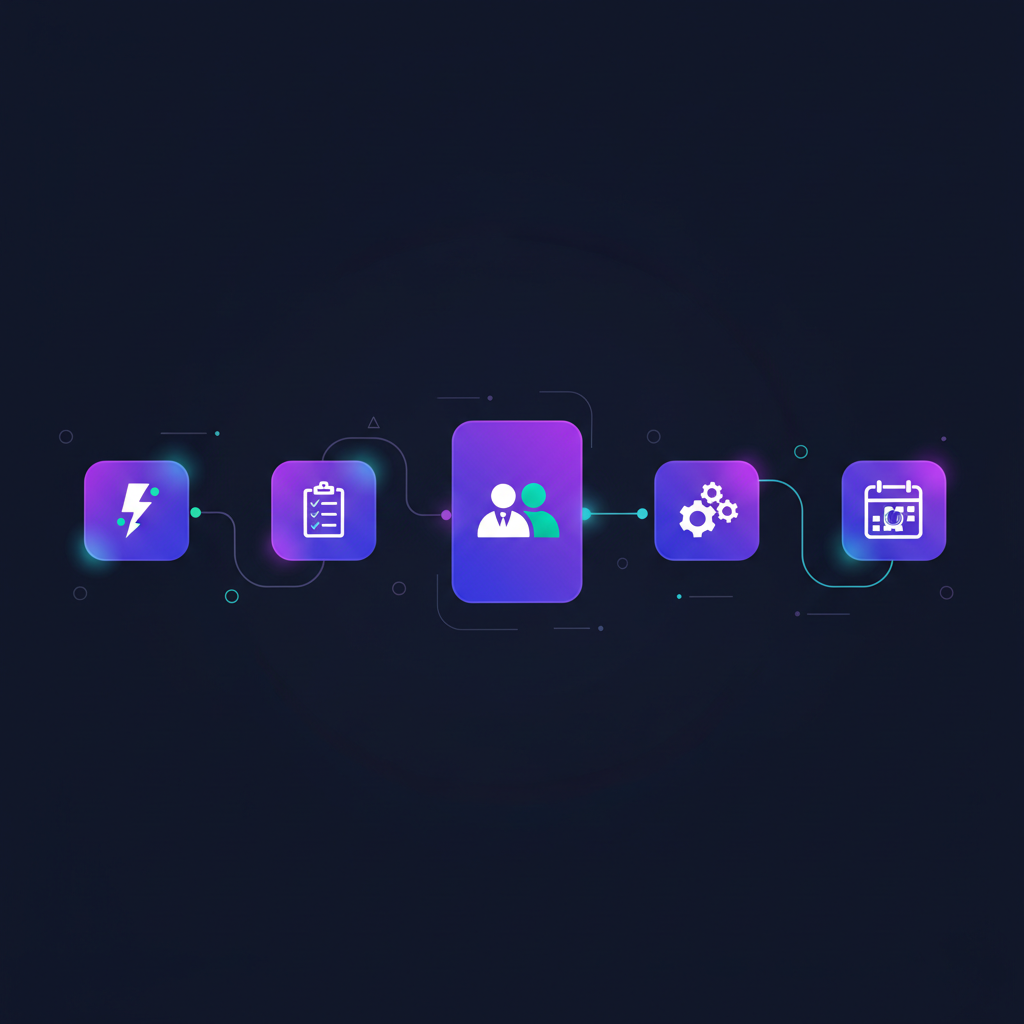
Stop free-form note-taking. Use a repeatable structure that captures every category of insight a deal needs to progress.
1. Pain points (in the buyer's words)
Write down verbatim quotes when the buyer describes what's broken, expensive, risky, or slow. Don't paraphrase into generic sales-speak.
Weak note:
"They need better reporting."
Strong note:
"'Our VP of Sales is flying blind—she's pulling data from three systems every Monday morning and still can't trust the pipeline forecast.' (Sarah, RevOps Manager, 4/15 call)"
Why it matters: When you mirror the buyer's language in your proposal, demo, or follow-up email, they feel understood. When you use your own summary, they feel sold to.
What to capture:
- The exact problem (what's broken or missing)
- The impact (cost, risk, lost time, or competitive threat)
- Who owns the pain (which role or team feels it most)
- Any quantification ("we're losing 10 hours a week" or "it's costing us $50K/quarter")
2. Decision criteria and timeline
This is how the buyer will choose a vendor and when they need to decide. If you don't capture this, you'll pitch features they don't care about and miss their deadline.
What to capture:
- Must-have requirements ("We need SSO and SOC 2 compliance")
- Nice-to-have features
- How they'll evaluate vendors (demo, trial, references, pricing comparison)
- Decision timeline and key milestones ("We're presenting to the exec team on May 1; we need to pick a vendor by May 15")
- Who makes the final call (economic buyer vs. committee vote)
Pro tip: When the buyer lists criteria, repeat it back and ask, "If a solution checked all those boxes, is there anything else that would stop you from moving forward?" This surfaces hidden objections you can note and address early.
3. Stakeholders and organizational context
Enterprise deals involve multiple people with different priorities. Your notes need a cast of characters.
What to capture:
- Name, title, and role in the buying process (economic buyer, champion, end user, technical evaluator, legal/security gatekeeper)
- Each stakeholder's specific pain or goal
- Reporting structure (who reports to whom)
- Political dynamics ("Sarah is championing this, but the CFO is skeptical of new tools")
- Who wasn't on the call but needs to be involved
Template structure:
- Economic Buyer: [Name, title] – cares about [business outcome]
- Champion: [Name, title] – owns [pain point], will advocate internally
- End Users: [Team/role] – need [specific capability]
- Technical Evaluator: [Name, title] – will assess [integration, security, etc.]
If you're running discovery as an SDR and handing off to an AE, this section is gold. The AE can tailor outreach to each stakeholder without starting from scratch.
4. Technical and process requirements
Deals stall when you discover a blocker in week six that you could have surfaced in the discovery call. Capture the operational realities.
What to capture:
- Current tools and systems (CRM, data warehouse, marketing automation, etc.)
- Integration requirements ("Must sync with Salesforce in real time")
- Data security, compliance, or legal requirements (SOC 2, GDPR, etc.)
- Implementation constraints (timeline, IT resources, change management)
- Approval or procurement process (single signature vs. committee vs. legal review)
Example note:
"Current stack: Salesforce (Sales Cloud), HubSpot (Marketing), Looker (BI). Need bi-directional sync with SFDC. IT team is slammed until June—any implementation would need to be low-touch. Procurement requires 3 vendor quotes and legal review for contracts >$50K."
This level of detail helps your SE or implementation team scope the deal accurately and prevents surprise blockers.
5. Next steps and commitments
Every discovery call should end with mutual commitment. If your notes don't specify who's doing what by when, the deal will drift.
What to capture:
- What you committed to do (send proposal, schedule demo, provide case study, intro to your SE)
- What the buyer committed to do (share requirements doc, intro you to the economic buyer, confirm budget)
- Specific dates and deadlines
- Any open questions or information gaps you need to fill
Example note:
"Next steps:
- [Me] Send pricing for 50-user tier + case study from similar fintech customer by EOD Friday 4/17
- [Sarah] Intro me to VP of Sales (economic buyer) for follow-up call week of 4/20
- [Sarah] Confirm Q2 budget allocation by 4/22
- Open questions: What's their current contract end date with [Competitor]? Who owns the renewal decision?"
This structure makes it impossible to forget a commitment or let a deal go silent.
How to take notes during the discovery call without breaking rapport
Reps often worry that typing during a call will make them seem distracted or robotic. The opposite is true—visible note-taking signals that you're listening and taking the buyer seriously.
Signal your intent at the start
In the first 60 seconds, say:
"I'm going to take notes during our conversation so I can follow up accurately and make sure I don't miss anything important—does that work for you?"
No buyer has ever said no. You've now set the expectation that pauses to write are professionalism, not rudeness.
Use a split-screen setup
If you're on a video call, arrange your screen so the buyer's video is on one side and your CRM or note template is on the other. You maintain eye contact while typing.
If you're on the phone, open your CRM and your note template side-by-side.
Pause to capture verbatim quotes
When the buyer says something critical—especially pain points or decision criteria—pause briefly and say:
"That's important—let me make sure I capture that exactly."
Then type the quote word-for-word. This not only ensures accuracy, it makes the buyer feel heard. When you play it back later ("You mentioned your VP of Sales is 'flying blind' on pipeline—let's talk about how we solve that"), they recognize their own language.
Use shorthand and expand later
You don't need to write full sentences in real time. Use abbreviations, bullet fragments, or your own shorthand. Immediately after the call (see next section), spend 3–5 minutes expanding your notes into complete thoughts.
During the call:
"- VP Sales blind on pipe, pulls 3 sys Mon AM, can't trust fcst (Sarah, RevOps)"
After the call:
"Pain (Sarah, RevOps Mgr): 'Our VP of Sales is flying blind—she's pulling data from three systems every Monday morning and still can't trust the pipeline forecast.' Impact: exec leadership making decisions on bad data. Owner: RevOps + Sales leadership."
The post-call note review: 3–5 minutes that win deals
The moment you hang up, your memory of the call is sharpest. Spend 3–5 minutes doing three things:
1. Fill in gaps and add context
Read through your notes and ask:
- What did I abbreviate that needs expanding?
- What body language, tone, or subtext did I notice that isn't captured in words?
- What did the buyer not say that I expected them to?
Example addition:
"Sarah seemed hesitant when I asked about budget—said 'we're still finalizing Q2 allocations.' Possible blocker: they may not have budget approved yet. Follow up 4/22 to confirm."
2. Score qualification
Use your framework (MEDDIC, BANT, or custom) to score the deal while the call is fresh. If you're missing information, flag it.
Example:
"MEDDIC score:
- Metrics: ✅ Wants to reduce forecast error by 20%
- Economic Buyer: ⚠️ Haven't met yet—Sarah introducing us next week
- Decision Criteria: ✅ SSO, SFDC integration, ease of use
- Decision Process: ⚠️ Need to confirm committee vs. single approver
- Identify Pain: ✅ Clear pain on forecast accuracy
- Champion: ✅ Sarah is advocating internally"
3. Write your next-step reminder
Add a task or calendar reminder for every commitment you made. If you promised to send a proposal by Friday, block time Thursday to write it.
This 3–5 minute investment prevents deals from slipping because "I forgot to follow up."
How to structure your CRM for discovery call notes
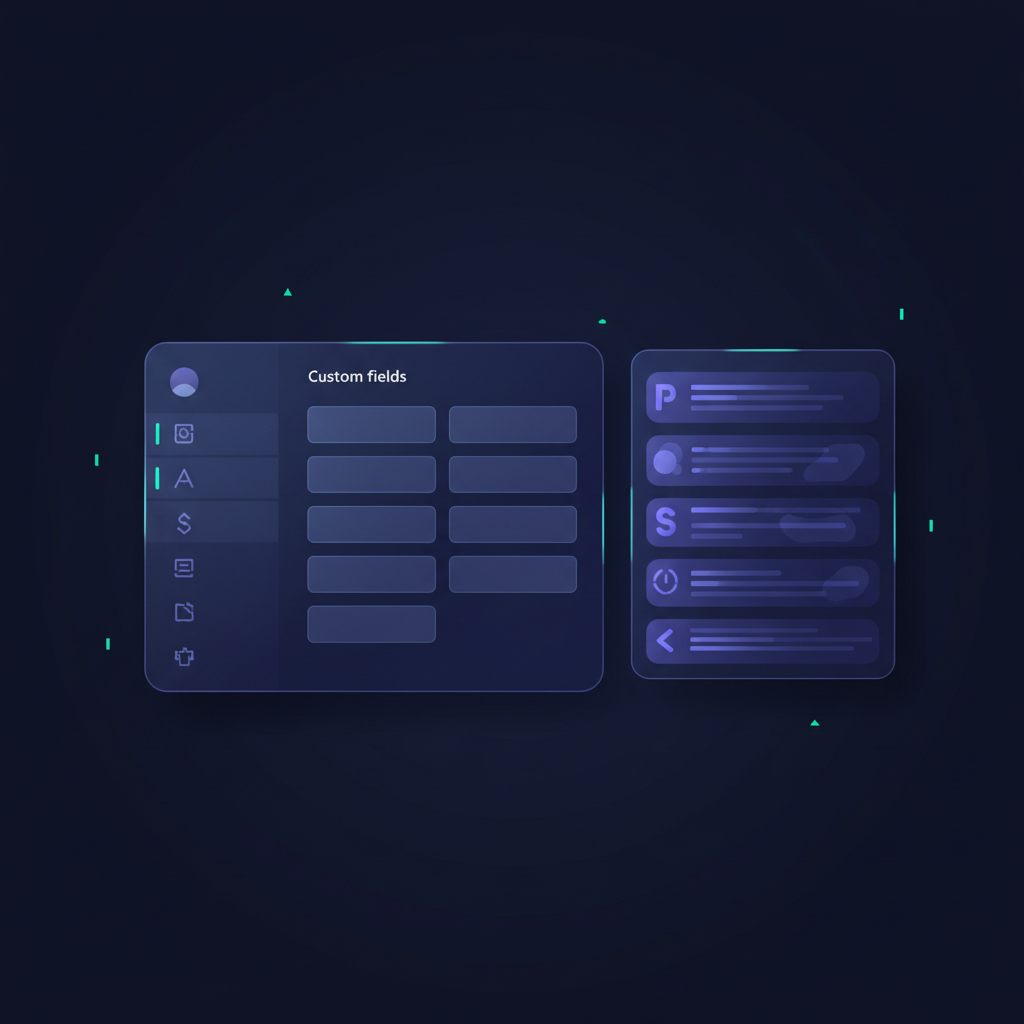
Your CRM is the single source of truth. If your notes live in a Google Doc, a notebook, or your head, they're invisible to your manager, your AE, and your future self.
Create a discovery call note template
Most CRMs (Salesforce, HubSpot, Pipedrive, etc.) let you create custom fields or note templates. Build one that mirrors the five-category framework.
Example Salesforce custom fields on the Opportunity object:
- Discovery Pain Points (long text)
- Decision Criteria (long text)
- Stakeholder Map (long text)
- Technical Requirements (long text)
- Next Steps & Commitments (long text)
- Discovery Date (date)
- Qualification Score (picklist: A/B/C/D)
Alternatively, use a rich-text note with a pre-filled template:
## Discovery Call Notes – [Date]

**Attendees:**
[Buyer names, titles]

**Pain Points:**
- [Verbatim quote, who said it, impact]

**Decision Criteria:**
- Must-haves:
- Nice-to-haves:
- Timeline:

**Stakeholders:**
- Economic Buyer:
- Champion:
- End Users:
- Technical Evaluator:

**Technical/Process Requirements:**
- Current stack:
- Integration needs:
- Security/compliance:

**Next Steps:**
- [Your action, date]
- [Buyer action, date]

**Open Questions:**
- [What you still need to learn]

**Qualification Score:**
[MEDDIC, BANT, or custom]
Copy this template into every new opportunity. When you jump on a discovery call, you're filling in blanks, not staring at a blank page.
Tag and categorize for reporting
Use CRM tags or fields to categorize discovery insights:
- Pain category (e.g., "Forecast Accuracy," "Sales Productivity," "Pipeline Visibility")
- Industry
- Deal size tier
- Qualification stage
This lets your sales leader run reports like "What are the top three pain points in enterprise deals?" or "Which discovery calls convert to closed-won?"—insights that improve your entire team's discovery strategy.
Common discovery call note-taking mistakes (and how to fix them)
Mistake 1: Writing what you think instead of what they said
What it looks like:
"They need a better sales process."
Why it fails:
That's your interpretation. The buyer might have said "Our reps are spending 10 hours a week on admin instead of selling," which is a time problem, not a process problem. Your solution positioning changes.
Fix:
Capture verbatim quotes for pain, criteria, and objections. Use quotation marks in your notes to distinguish buyer language from your summary.
Mistake 2: Skipping stakeholder details
What it looks like:
"Talked to Sarah and John."
Why it fails:
Who's Sarah? What does she care about? Does she have budget authority? If you hand this deal to an AE, they have no idea who to follow up with or how to tailor messaging.
Fix:
Always capture full name, title, role in the decision, and specific pain or priority for each person on the call.
Mistake 3: Forgetting to document what wasn't discussed
What it looks like:
Your notes only cover what the buyer said.
Why it fails:
If you didn't ask about budget, timeline, or competition, those are gaps—and gaps kill deals. If you don't flag them, you'll forget to circle back.
Fix:
After the call, add an "Open Questions" section listing what you still need to learn. Treat it as a checklist for your next conversation.
Mistake 4: Logging notes hours later (or not at all)
What it looks like:
You finish a discovery call at 2 PM, take three more calls, then try to update the CRM at 5 PM.
Why it fails:
You've forgotten half the details. You conflate insights from multiple calls. Your notes are vague and useless.
Fix:
Block 5 minutes on your calendar immediately after every discovery call. Treat it as non-negotiable. Salesforce research on sales productivity shows that reps who update CRM in real time close deals 23% faster because they never lose context.
How AI tools fit into discovery call note-taking (and where they don't)
Conversation intelligence platforms like Gong, Chorus, and Clari can auto-transcribe calls, highlight keywords, and even surface talk-time ratios. These tools are powerful—but they don't replace structured human note-taking.
What AI does well
- Transcription: Captures every word, so you can search for specific phrases later.
- Keyword detection: Flags mentions of competitors, pricing, or objection keywords.
- Talk ratios and question counts: Shows whether you're talking too much or asking enough questions.
What AI doesn't do (yet)
- Interpret subtext: AI can't tell you that the buyer hesitated when you asked about budget, or that the champion seemed nervous about getting exec buy-in.
- Structure insights by category: A transcript is linear; you still need to pull out pain, stakeholders, criteria, and next steps and organize them.
- Score qualification: AI won't tell you whether this deal is MEDDIC-qualified or missing key information.
The hybrid approach
Use conversation intelligence to capture the transcript and auto-log the call. Then spend 3–5 minutes writing structured notes in your CRM using the five-category framework. Reference the transcript to grab exact quotes.
This combines the speed of automation with the judgment and structure only a human can provide.
At QUOTA, we integrate conversation intelligence data into our role-play coaching so reps can practice taking structured notes while listening to realistic buyer conversations—building the muscle memory to do it live. Learn more about discovery call preparation techniques that include note-taking as a core skill.
How to train your team on discovery call note-taking
If you're a sales leader, discovery call note-taking is a coachable skill—and one of the highest-leverage behaviors you can standardize.
1. Build and distribute a template
Give every rep the same CRM template or note structure. Consistency makes it easy to review deals, coach reps, and hand off opportunities.
2. Review notes in deal reviews and 1:1s
During pipeline reviews, pull up the CRM and ask:
"Walk me through the pain points from the discovery call. Who's the economic buyer? What's their decision timeline?"
If the rep can't answer from their notes, you've identified a skill gap. Coach them on what to capture.
3. Role-play discovery calls with note-taking
Run mock discovery calls where the rep must take notes live, then present their findings. Score them on completeness, accuracy, and structure.
This is where AI role-play platforms shine. At QUOTA, reps practice discovery calls with simulated buyers, take notes in real time, and get feedback on whether they captured pain, stakeholders, and next steps—building the habit before it costs them a real deal.
4. Make note quality a performance metric
Track note completeness in your CRM. Deals with fully completed discovery templates should correlate with higher win rates. If they don't, either your template is wrong or reps aren't using it correctly.
Discovery call note-taking checklist: use this every time
Print or bookmark this checklist. Before you mark a discovery call "complete," confirm you've captured:
- Pain points: At least 2–3 verbatim quotes describing what's broken, expensive, or risky
- Decision criteria: Must-haves, nice-to-haves, and how they'll evaluate vendors
- Timeline: When they need to decide and key milestones
- Stakeholders: Full name, title, role, and specific priority for each person involved
- Technical requirements: Current tools, integrations, security, and implementation constraints
- Next steps: What you're doing, what they're doing, and specific dates
- Open questions: What you still need to learn
- Qualification score: MEDDIC, BANT, or your framework—scored while the call is fresh
If any box is unchecked, you're not done. Block time to follow up and fill the gap.
FAQ
What should I write down during a discovery call?
Capture five core elements: explicit pain points in the buyer's words, decision criteria and timeline, stakeholder names and roles, technical or process requirements, and concrete next steps with ownership. Use a template so nothing critical is missed.
Should I take notes during the call or after?
Take structured notes during the call using a template framework. Capture verbatim quotes for pain and decision criteria live, then spend 3–5 minutes immediately after to add context, flag gaps, and write your qualification summary while memory is fresh.
How do I take notes without breaking rapport on a discovery call?
Signal your intent at the start: "I'll be taking notes so I can follow up accurately—does that work?" Use a split-screen setup so you maintain eye contact on video. Pause briefly to write down exact quotes when the buyer shares critical pain or criteria, then paraphrase back to confirm.
What's the best tool for discovery call note-taking?
Use your CRM as the single source of truth. Create a custom discovery template in the notes or opportunity fields. Conversation intelligence tools like Gong or Chorus can auto-capture transcripts, but you still need structured human notes for decision criteria, next steps, and qualification scoring.
Discovery call note-taking isn't administrative overhead—it's the foundation of deal execution. When you capture pain, stakeholders, criteria, and next steps with precision, you build a roadmap that guides every conversation, every proposal, and every internal handoff from discovery to close.
Reps who treat note-taking as a core skill win more deals, shorten sales cycles, and never lose context. Reps who wing it lose deals to better-documented competitors.
Start with the five-category framework. Use a CRM template. Take notes live. Review and expand immediately after. Make it a habit, and watch your win rate climb.
For more on avoiding common discovery call mistakes and mastering discovery call follow-up, explore the full discovery playbook at QUOTA Training.

Stefano Sechi
Co-founder, QUOTA Training
Stefano Sechi is co-founder of QUOTA Training. He works hands-on with B2B sales teams on cold calling, discovery and objection handling, and shaped much of the methodology behind QUOTA’s AI role-play scenarios.
Turn this into reps, not just reading
QUOTA Training lets your team practise these exact scenarios with an AI buyer that reacts like the real thing — then scores every call.
See it in action